Cydia Download for iOS 26.7.2: Jailbreak Status & Options
Check Cydia and jailbreak options for iOS 26.7.2 and iPadOS 26.7.2. Understand which earlier iOS 26 builds support Dopamine, review device requirements, and compare IPA sideloading with browser-based resources.
CydiaFree provides browser-based customization resources and guides. Opening the web app or adding its Home Screen icon does not install original Cydia or perform a system jailbreak.
Open CydiaFree for iOS 26 →
Current iOS 26.7.2 Cydia and Jailbreak Status
Apple released iOS 26.7.2 and iPadOS 26.7.2 on October 26, 2026. These are the current security releases in the iOS 26 branch.
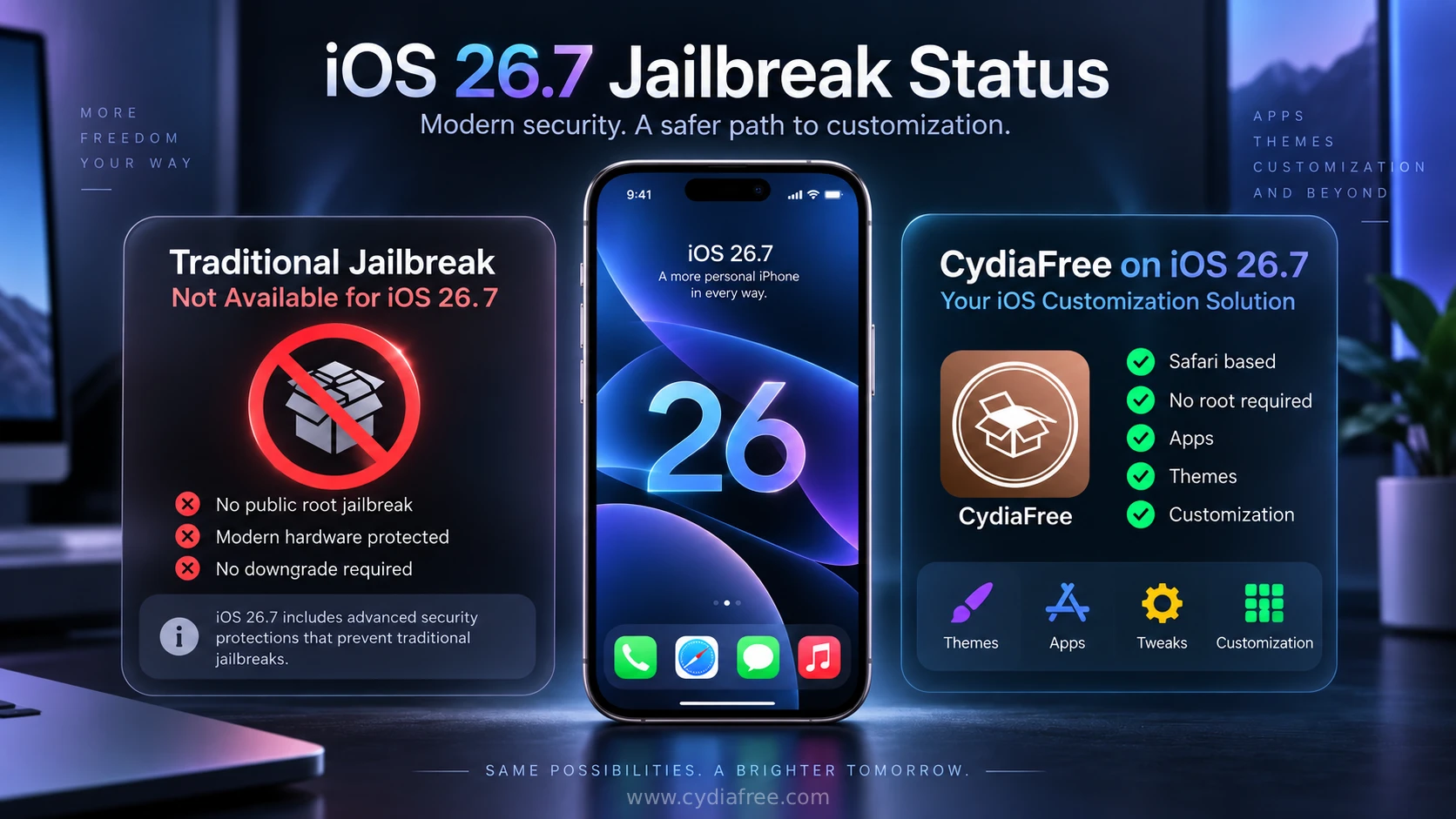
iOS 26.7.2 is outside Dopamine's documented iOS 26.0–26.0.1 range for compatible A12/A13 devices. Support for those earlier builds does not extend to every iOS 26 release.
| Version | Release status | Jailbreak guidance |
|---|---|---|
| iOS 26.7.2 / iPadOS 26.7.2 | Current security release — October 26, 2026. | Outside Dopamine's documented iOS 26 support range. |
| iOS 26.7.1 / iPadOS 26.7.1 | Earlier security release — September 28, 2026. | Also outside that documented range. |
| iOS 26.1–26.7 | Earlier releases. | Do not apply support for 26.0–26.0.1 to these versions. |
| iOS 26.0–26.0.1 | Earlier releases with documented Dopamine support. | Compatible A12/A13 hardware only; check the exact model and requirements. |
Before choosing a method, read our Cydia jailbreak compatibility guide. Match both the device and installed firmware to the tool's requirements.
CydiaFree Options on iOS 26.7.2
Browse CydiaFree for themes, wallpapers, tools, and customization guides. For compatible IPA apps, see our Sideloadly guide or compare Cydia alternatives. Browser access and IPA signing do not provide a jailbreak for unsupported firmware.
Using iOS 27? Read our iOS 27.2 Cydia and jailbreak guide. For older devices, check the iOS 18 device guide.
Sources: Apple security releases and Dopamine documentation.
What's New in iOS 26.7.2?
Apple's iOS 26.7.2 and iPadOS 26.7.2 advisory documents security fixes across multiple system components. Review the advisory for the affected devices and individual issues.
A published vulnerability does not by itself establish a usable jailbreak. Check for a released tool with explicit support for your exact device and firmware.
Source: Apple's iOS 26.7.2 and iPadOS 26.7.2 security advisory.
What's New in iOS 26.7.1?
Apple released iOS 26.7.1 and iPadOS 26.7.1 on September 28, 2026 as security-focused updates for compatible devices remaining on the iOS 26 generation. Unlike iOS 26.7, which introduced additional features and improvements, iOS 26.7.1 primarily addresses a security vulnerability.
Apple's security advisory identifies the issue as CVE-2026-86950 in CoreGraphics. Processing a maliciously crafted file could lead to arbitrary code execution because of an out-of-bounds write issue. Apple addressed the vulnerability with improved bounds checking.
Apple also says it is aware of a report that the vulnerability may have been exploited in an extremely sophisticated attack against specific targeted individuals using versions of iOS before iOS 27. The disclosure of this vulnerability does not mean that iOS 26.7.1 itself has a usable public jailbreak; a complete jailbreak normally requires additional compatible exploits and bypasses.
What's New in iOS 26?
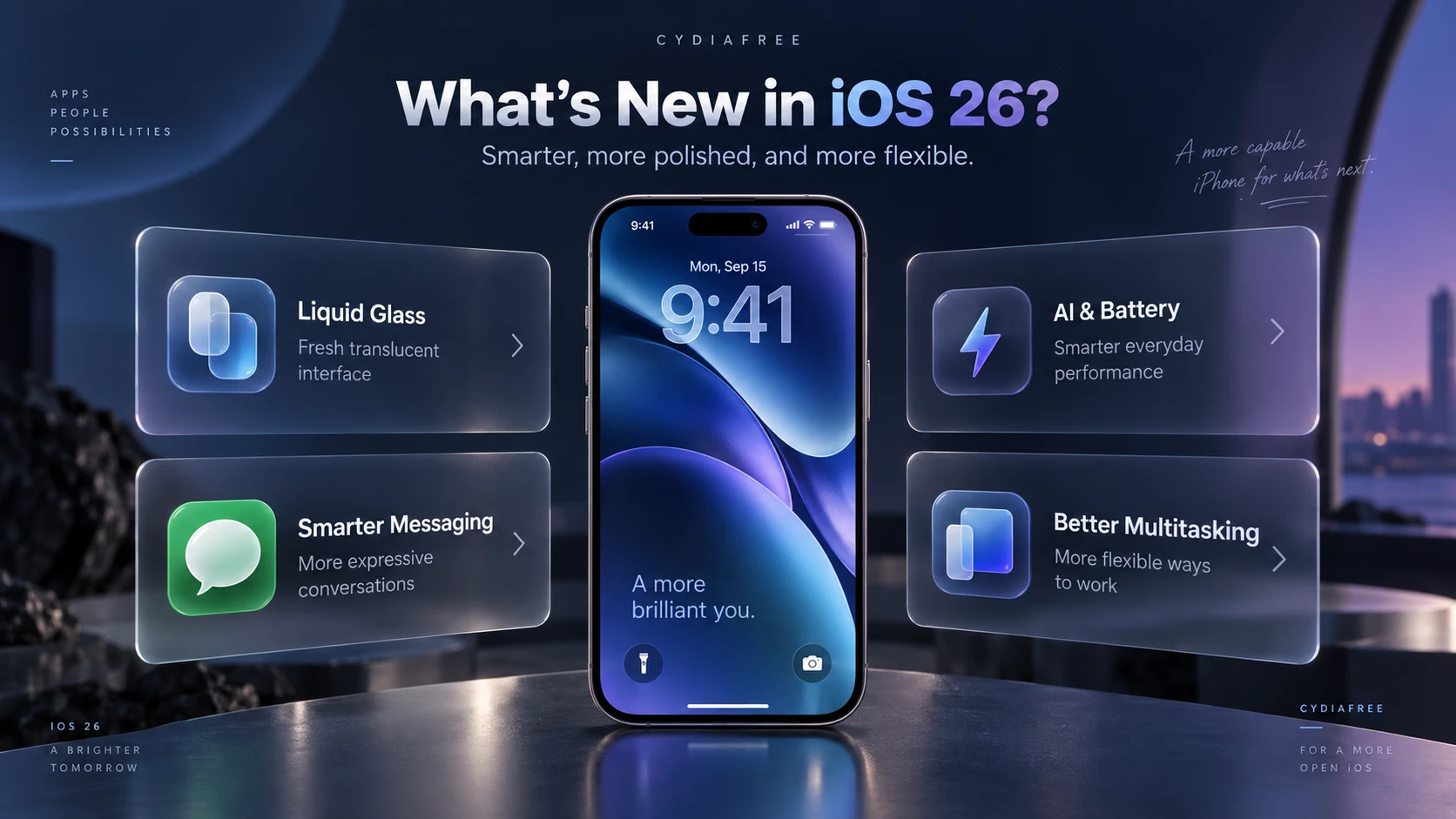
iOS 26 introduced a major redesign and a wide range of new features across the iPhone experience. The release brought Apple's Liquid Glass design language, expanded Apple Intelligence capabilities, Live Translation, improvements to Phone and Messages, and updates across Camera, Photos, CarPlay, Maps, Music, and other system apps.
- Liquid Glass Design: A redesigned interface across the Lock Screen, Home Screen, apps, navigation, controls, and app icons.
- Apple Intelligence: Expanded Visual Intelligence, intelligent Shortcuts actions, Genmoji features, and additional system-level intelligence on supported devices.
- Live Translation: Translation features across Messages, FaceTime, Phone, and supported AirPods experiences.
- Phone & Messages: Call Screening, Hold Assist, unknown-sender filtering, conversation backgrounds, polls, and additional communication tools.
- Camera & Photos: A streamlined Camera interface, improved photo navigation, and enhanced recognition and organization features.
- CarPlay & Maps: Updated CarPlay design, Live Activities support, Visited Places, and preferred-route features.
Later iOS 26 releases added further changes. For the current security release, see the iOS 26.7.2 advisory linked above.
Cydia IPAs and Sideloading on iOS 26
A major reason users search for iOS 26 jailbreaks is to install third-party applications that are unavailable in the official App Store. This process is commonly known as sideloading, which utilizes `.ipa` files (the standard format for iOS app archives).
Safe Sideloading Alternatives
If a jailbreak is unavailable for your firmware, compatible IPA apps can still be installed using established sideloading tools such as Sideloadly or AltStore. Apps signed with a free Apple developer account generally need to be refreshed or re-signed periodically, commonly every seven days. CydiaFree's browser-based web app works differently from IPA sideloading because it runs as a web experience and therefore does not depend on the same IPA signing process.
If you experience signing errors, device detection problems, Developer Mode issues, or app expiry, see our Sideloadly troubleshooting guide.
Need help choosing between these methods? Our Cydia alternatives comparison explains the available routes, where CydiaFree fits and which device requirements to check before you start.
Device Compatibility for CydiaFree iOS 26.7.2
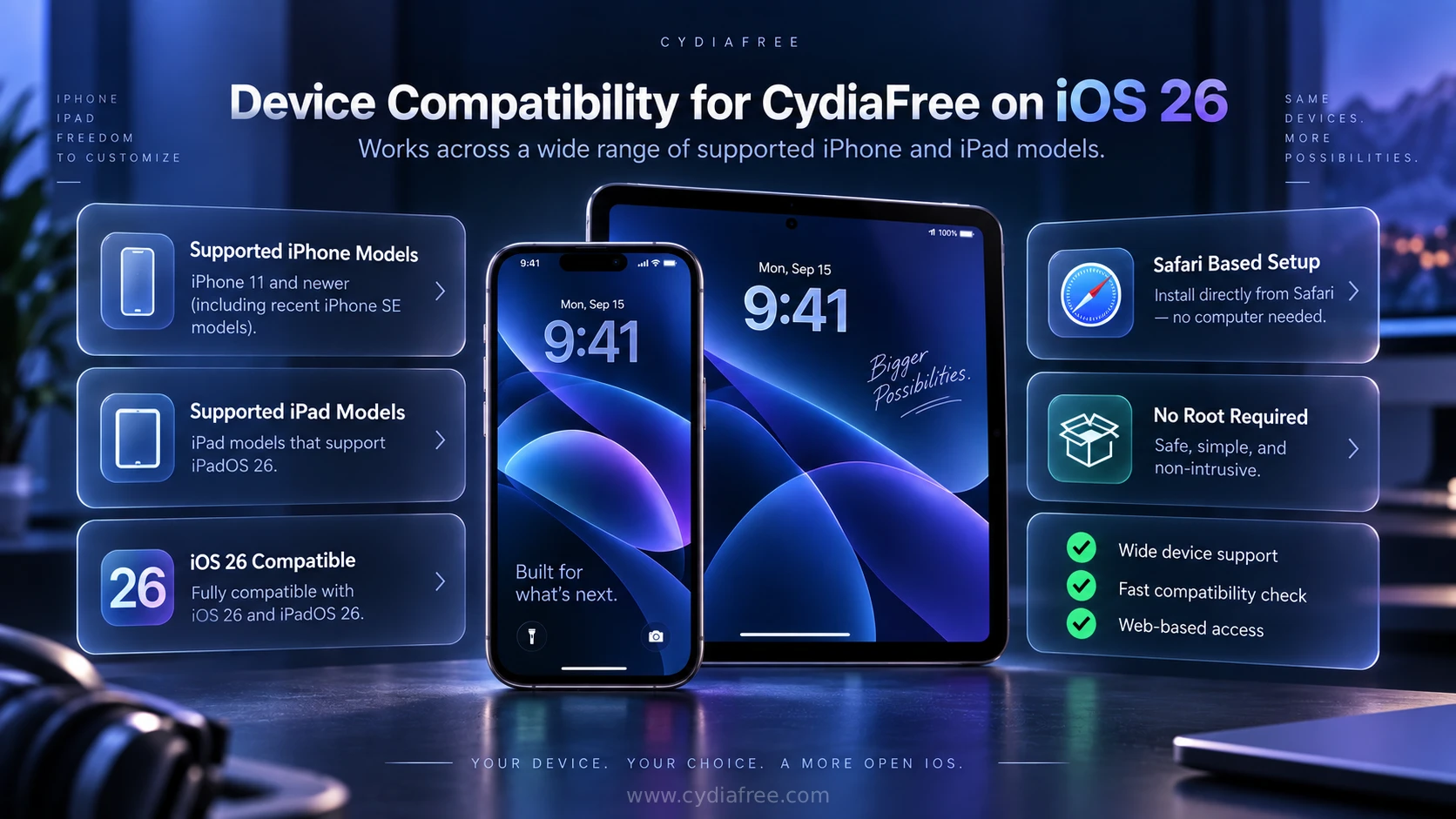
Apple lists this release for iPhone 11 and later, iPad Pro 12.9-inch 3rd generation and later, iPad Pro 11-inch 1st generation and later, iPad Air 3rd generation and later, iPad 8th generation and later, and iPad mini 5th generation and later.
Software-update availability and jailbreak eligibility are separate checks. Confirm your exact model and installed version before choosing a tool.
Supported iPhones
- iPhone 17 Series & iPhone Air
- iPhone 16 Series
- iPhone 15 & 14 Series
- iPhone 13 & 12 Series
- iPhone 11 Series (Minimum Requirement)
- iPhone SE (2nd & 3rd generation)
Supported iPads (iPadOS 26.7.2)
- iPad Pro 12.9-inch (3rd generation and later)
- iPad Pro 11-inch (1st generation and later)
- iPad Air (3rd generation and later)
- iPad (8th generation and later)
- iPad mini (5th generation and later)
CydiaFree Premium & Safety Guidelines
For users who want a more complete customization experience, CydiaFree Premium offers exclusive access to hidden customization ideas, premium app collections, member-only tips, and curated iOS theme suggestions. It is designed to save you time and provide safer options compared to navigating unverified third-party repositories.
Essential Safety Tips Before Customizing
- Always Back Up: Create a full iCloud or Finder backup before applying any system modifications or updates.
- Use Trusted Sources: Avoid downloading unknown configuration profiles or `.deb` files from random websites.
- Check Tool Requirements: Verify the developer's exact device and firmware requirements before using anything advertised as an iOS 26.7.2 jailbreak. Support for an earlier iOS 26 build does not establish support for this release.
Frequently Asked Questions (FAQs)
1. Does Dopamine support iOS 26.7.2?
No. It is outside Dopamine's documented iOS 26.0–26.0.1 range for compatible A12/A13 devices. Support for an earlier build does not extend to every iOS 26 release.
2. What changed in iOS 26.7.2?
This security release includes multiple fixes documented by Apple. Check the official advisory for affected components and devices.
3. Does CydiaFree install original Cydia?
No. CydiaFree provides browser-based customization resources and guides. Original Cydia requires a compatible jailbreak environment.
4. Can I use CydiaFree on iPadOS 26.7.2?
You can open the CydiaFree web app in Safari on a compatible iPad. Browser access does not provide a system jailbreak or install jailbreak packages.
5. Can I use CydiaFree without a computer?
No computer is needed to browse CydiaFree in Safari. Separate tools or resources may have their own installation and computer requirements.
6. Is CydiaFree free to use?
The public CydiaFree web experience can be explored for free. Optional Pro membership provides additional member resources and services.
How to Install CydiaFree on iOS 26
Open CydiaFree in Safari on a compatible device running iOS 26, including iOS 26.7.2 or iPadOS 26.7.2. Follow the setup prompts to add access to the web app. This setup does not perform a jailbreak.
- Open the Safari browser on your iPhone or iPad running iOS 26.
- Tap the green download button below to launch the CydiaFree Web Installer.
- Wait for the automated device compatibility check to finish.
- Follow the on-screen prompts to add the CydiaFree app icon directly to your Home Screen.