Cydia Download for iOS 18.7.11: Jailbreak Status by Device
Check Cydia and jailbreak options for iOS 18.7.11 and iPadOS 18.7.11. Compare iPhone XS/XR requirements with iPad 7 support, review earlier compatible builds, and explore browser-based customization resources.
CydiaFree provides browser-based resources and guides. Opening the web app or adding its Home Screen icon does not install original Cydia or perform a system jailbreak.
Open CydiaFree for iOS 18 →
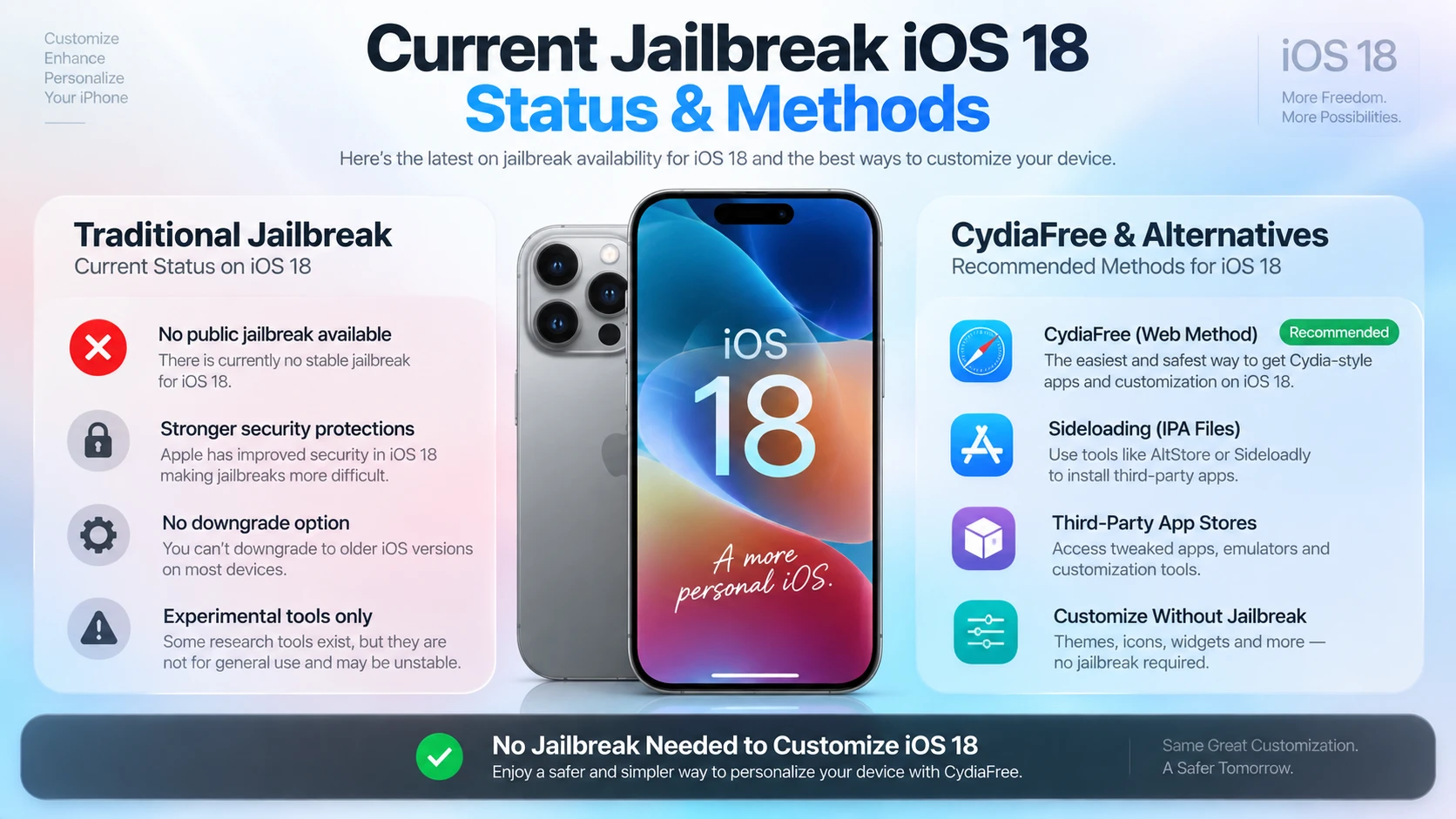
Current iOS 18.7.11 Cydia and Jailbreak Status
Apple released iOS 18.7.11 and iPadOS 18.7.11 on October 26, 2026. Jailbreak eligibility depends on the exact device as well as the installed software version.
An iPhone XS or XR and an iPad 7 have different chips and different tool requirements. Do not apply an iPad compatibility result to an iPhone simply because their version numbers match.
| Device group | Firmware | Documented guidance |
|---|---|---|
| iPhone XS / XS Max / XR — A12 | iOS 18.7.11 | Outside Dopamine's documented iOS 18 support range. |
| iPad 7th generation — A10 | iPadOS 18.7.11 | The device-specific guide documents a palera1n route. |
| Compatible A12/A13 devices | iOS / iPadOS 18.0–18.7.1 | Dopamine coverage is documented. Confirm the exact model and build. |
| A14 and newer / M-series devices | iOS / iPadOS 18 | No iOS 18 coverage listed for this group in the reviewed Dopamine documentation. |
iPhone 8 and iPhone X cannot run iOS 18. See our iOS 16 device guide for their supported firmware.
For a broader comparison of tools and package managers, read our Cydia jailbreak compatibility guide.
CydiaFree Options Without a Supported Jailbreak
Browse CydiaFree for themes, wallpapers, tools, and customization guides. It does not grant root access or install jailbreak DEB packages. For compatible IPA apps, see our Sideloadly guide or compare Cydia alternatives.
Using a newer software branch? Read our iOS 26.7.2 guide or iOS 27.2 guide.
Sources: Dopamine requirements, iPad 7 firmware guide, and Apple security releases.
What's New in iOS 18.7.11?
Apple released iOS 18.7.11 and iPadOS 18.7.11 on October 26, 2026 as security updates for selected older devices.
The advisory documents fixes involving Audio, CoreGraphics, and CoreMedia. A security advisory does not by itself establish a usable jailbreak for an affected device.
Source: Apple's iOS 18.7.11 and iPadOS 18.7.11 security advisory.
Sideloading & Package Managers on iOS 18
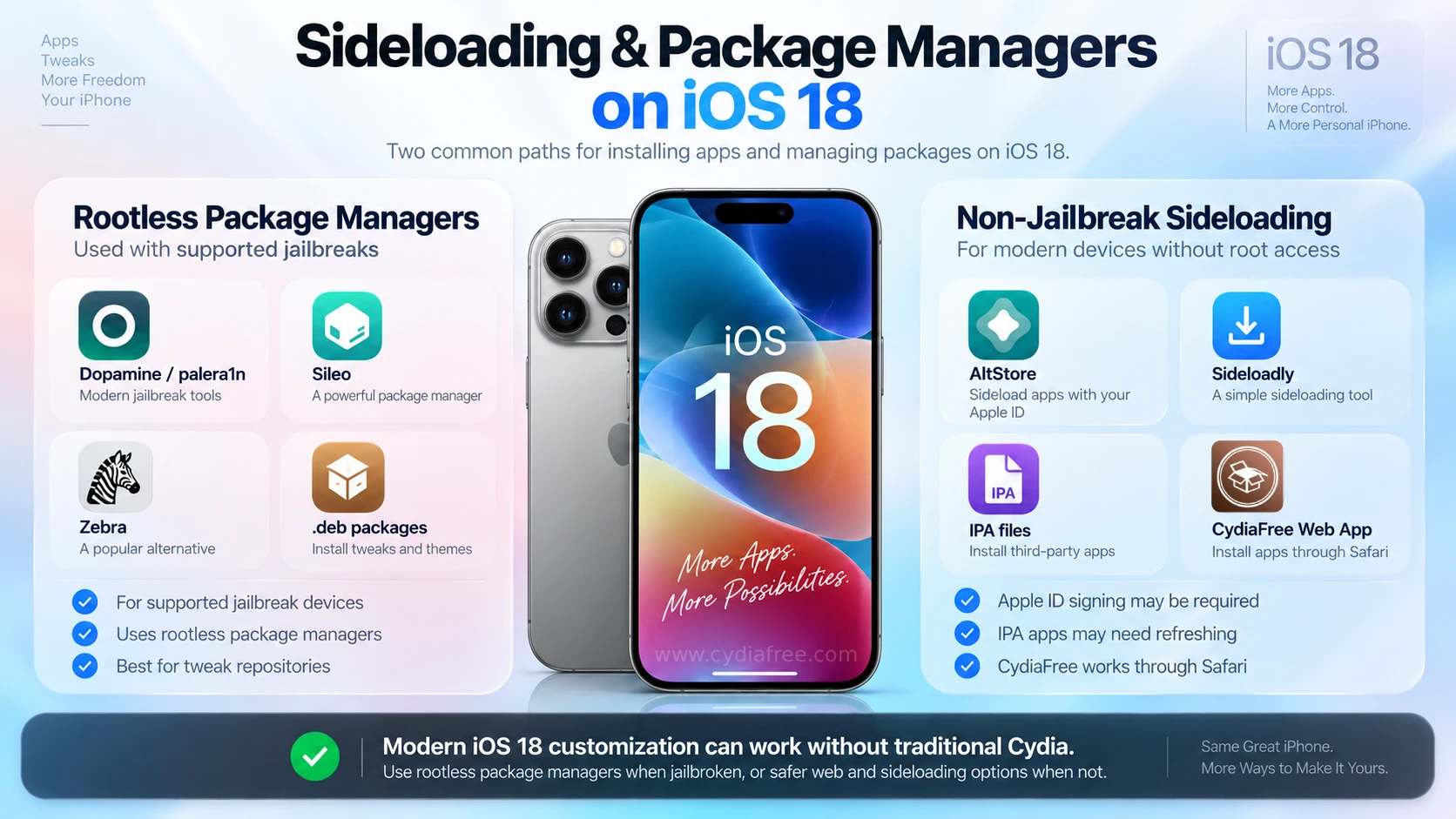
Use the package manager documented by your selected jailbreak. A supported method may provide Sileo or Zebra instead of original Cydia. Packages must match the firmware and jailbreak environment.
Non-Jailbreak Sideloading
IPA sideloading and browser access are different methods. Tools such as Sideloadly can install compatible IPA apps subject to signing and account requirements. Free-account installations generally need periodic refreshing.
CydiaFree runs as a web experience. It does not remove the signing or certificate restrictions that apply to native IPA apps.
For device detection, signing, installation, or refresh problems, follow our Sideloadly troubleshooting guide.
Device Compatibility for the iOS 18.7.11 Update
Apple's release list identifies the models below for iOS 18.7.11 and iPadOS 18.7.11. Earlier releases in the iOS 18 branch supported additional devices.
These lists describe availability of this particular update. Jailbreak compatibility must be checked separately. See Apple's release information for the exact device scope.
iPhones Receiving iOS 18.7.11
- iPhone XS
- iPhone XS Max
- iPhone XR
iPads Receiving iPadOS 18.7.11
- iPad 7th generation
CydiaFree Premium & Safety Guidelines
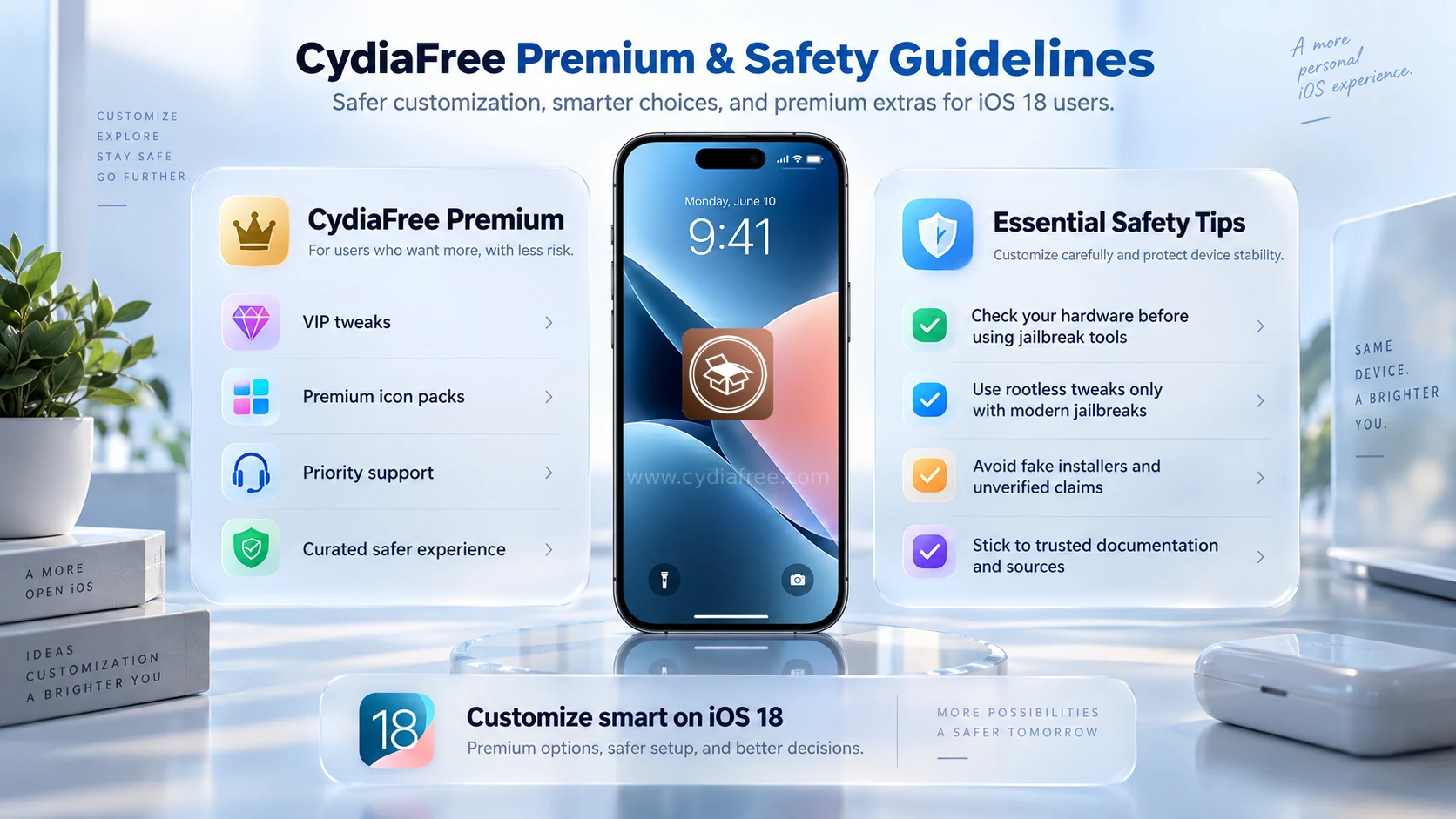
Explore optional CydiaFree Pro membership for additional member resources, guides, and membership support. Review the current plan and individual resource requirements before joining.
Essential Checks Before Customizing
- Match Your Device: An A12 iPhone and an A10 iPad have different requirements. Use instructions for your exact model and firmware.
- Check Package Compatibility: Use packages built for your selected jailbreak environment. Dopamine requires compatible rootless packages.
- Prepare Before System Changes: Keep a current backup and read the selected tool's installation, restart, and removal instructions before proceeding.
Frequently Asked Questions (FAQs)
1. Does Dopamine support iOS 18.7.11 on iPhone XS or XR?
No. Dopamine's documented iOS 18 coverage for compatible A12/A13 devices stops at 18.7.1. It does not cover 18.7.11 on iPhone XS, XS Max, or XR.
2. Is iPadOS 18.7.11 on iPad 7 different?
Yes. The device-specific guide documents palera1n for iPad 7th generation on iPadOS 18.7.2–18.7.11. This A10 iPad result must not be applied to an A12 iPhone.
3. Can iPhone 8 or iPhone X run iOS 18?
No. Those models are not in Apple's iOS 18 compatibility list. Check their supported firmware before choosing a jailbreak guide.
4. Does CydiaFree provide a jailbreak or install DEB tweaks?
No. CydiaFree provides browser-based resources and guides. A web app or its Home Screen icon does not grant the system access needed for jailbreak tweaks.
5. What happens to a jailbreak after restarting?
Restart behavior depends on the tool. Dopamine is semi-untethered. A palera1n setup normally needs a computer to re-enable its jailbreak environment. Follow the selected tool's instructions.
How to Install CydiaFree on iOS 18
Open CydiaFree in Safari on a compatible iPhone or iPad running iOS 18 or iPadOS 18, including supported devices on 18.7.11. Follow the setup prompts to add access to the web app. This setup does not perform a jailbreak.
- Open the Safari browser on your iPhone or iPad running iOS 18.
- Tap the green download button below to launch the CydiaFree Web Installer.
- Wait for the automated device compatibility check to finish.
- Follow the on-screen prompts to add the CydiaFree app icon directly to your Home Screen.